Enable phishing-resistant multifactor authentication on every account, patch anything internet-facing within days of a known exploit, confirm your backups actually restore, and get staff through phishing-awareness training this quarter. These four moves block most of what hits small businesses. The checklist below breaks each one into concrete steps with an owner attached, and shows you how to measure progress: MFA coverage percentage, patched-systems percentage, and successful restore rate.
TL;DR:
- Enforcing multifactor authentication on all accounts significantly reduces the risk of credential theft, especially when using phishing-resistant FIDO standards.
- Patching known-exploited vulnerabilities within days of discovery and verifying backups regularly ensures rapid response and recovery from cyber incidents.
- Completing a comprehensive asset inventory and implementing least-privilege access are critical steps to eliminate common attack vectors like unmanaged admin rights and exposed services.
- Regularly testing backup restorations and maintaining an offline copy prevent ransomware from encrypting critical data and ensure quick recovery.
- Assigning clear ownership for each cybersecurity function and tracking key metrics like MFA coverage, patch compliance, and backup success enhances ongoing defense effectiveness.
Table of Contents
- Why small businesses can’t treat cybersecurity as optional
- Most common cyber threats small businesses face
- A NIST-aligned checklist for small business cybersecurity
- How to roll this out: a 30/90/180-day plan
- Why people and process beat another security tool
- How Axio Networks can support your checklist
- FAQ
- Sources
Why small businesses can’t treat cybersecurity as optional
A ransomware attack or a stolen credential doesn’t just cost money. It costs days of downtime, client trust, and sometimes the business itself. Smaller organizations get hit disproportionately hard by ransomware, and attackers continue to lean on known, unpatched vulnerabilities and stolen credentials as their easiest paths in.
A single unpatched, internet-facing vulnerability or one phished password is often enough to trigger a full ransomware incident, according to CISA’s StopRansomware guidance. That’s why patching timelines and MFA enforcement sit at the top of every serious checklist.
Treat this as a program, not a purchase. Tools change, but the habit of reviewing your risk, closing gaps, and testing your defenses has to run continuously, the same way you’d review your books every month.
Most common cyber threats small businesses face
Every item on a good checklist exists because it blocks a specific, well-documented attack pattern. Understanding the pattern makes the control feel necessary instead of bureaucratic.
- Phishing and credential theft: stolen passwords remain one of the easiest ways into a business, which is why phishing-resistant MFA built on FIDO standards matters more than SMS codes or one-time passcodes that can be intercepted or approved by mistake.
- Ransomware and supply-chain exposure: attackers increasingly compromise a managed service provider or software vendor to reach many customers at once, which is why vendor access needs the same scrutiny as employee access.
- Exploited vulnerabilities and exposed remote services: unpatched software and exposed RDP or VPN endpoints give attackers a direct route in, especially when patches for known-exploited flaws sit untouched for weeks.
A NIST-aligned checklist for small business cybersecurity
The NIST Cybersecurity Framework for small business organizes work into six functions: Govern, Identify, Protect, Detect, Respond, and Recover. Rather than a flat list, NIST recommends building a Current Profile of where you stand, a Target Profile of where you need to be, and tracking progress between the two. That structure turns a one-time checklist into a repeatable business process, and it’s the same structure we’ll use here.
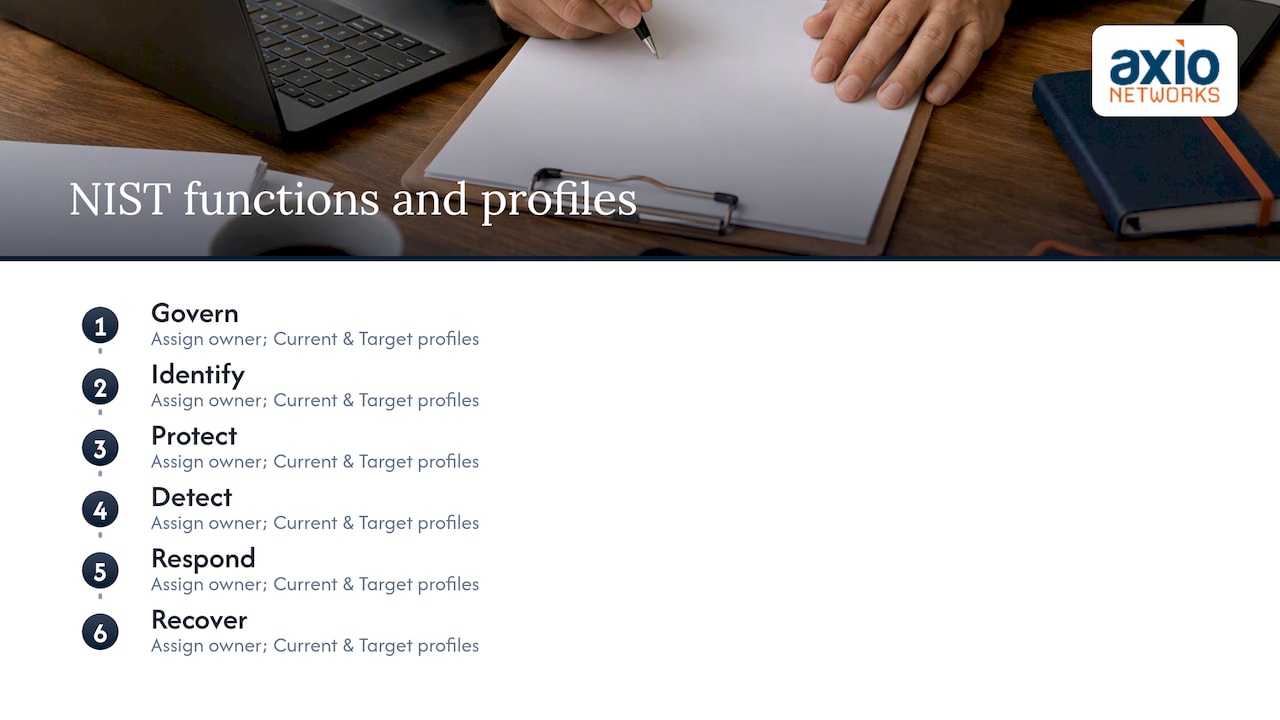
Pro Tip: Pick one owner per function, even if it’s the same person wearing three hats. A checklist with no named owner rarely gets finished.
Govern: set the rules before you buy tools
- Name a Security Program Manager, even part-time, who owns the checklist and reports progress to the owner or CEO.
- Write a short security policy covering acceptable use, data handling, and MFA requirements.
- Keep a risk register listing your top five exposures and who’s responsible for each.
- Review vendor and MSP contracts for security obligations, since a compromised vendor can become your incident.
Identify: know what you actually have
- Build an asset inventory covering every laptop, server, cloud account, and SaaS subscription in use.
- Map where sensitive data lives: customer records, payment data, employee files, so you know what actually needs protecting.
Protect: close the common entry points
- Enforce MFA on every account through technical policy, not a voluntary request. CISA guidance is explicit that enrollment alone doesn’t close the gap; enforcement does.
- Apply least-privilege access so employees and vendors only reach what their role requires.
- Turn on disk encryption for every laptop and mobile device that leaves the office.
- Secure Wi-Fi with WPA2 or WPA3 and separate guest traffic from business systems through network segmentation.
- Set a patching policy that prioritizes anything on the Known Exploited Vulnerabilities catalog within days, not months.
- Deploy endpoint protection or EDR on every device; our guide to endpoint detection and response explains how this layer catches what antivirus signatures miss.
- Roll out a password manager so staff stop reusing passwords across business and personal accounts.
Detect: notice trouble before it spreads
- Centralize logging across servers, firewalls, and key applications so you can spot unusual activity in one place.
- Add basic endpoint monitoring, or commercial MDR for a higher bar, so suspicious behavior triggers an alert instead of going unnoticed.
- Subscribe to credential or dark-web monitoring to catch leaked passwords before they’re used against you.
Respond: have a plan before you need one
- Write an incident response plan with clear escalation contacts, including law enforcement, CISA, and the FBI’s Internet Crime Complaint Center.
- Run a tabletop exercise at least twice a year so the plan gets tested before a real incident forces the issue.
- Invoke the plan for near misses too. A suspicious email that almost got clicked is a free rehearsal.
Recover: make sure backups actually work
- Run automated, versioned backups of every critical system and dataset.
- Keep at least one air-gapped or offline copy that ransomware encrypting your network can’t reach, a step StopRansomware guidance treats as essential rather than optional.
- Document a restore runbook and schedule actual restore tests, since a backup that’s never been restored is a guess, not a safety net.
How to roll this out: a 30/90/180-day plan
Trying to do everything at once stalls most small businesses before they start. Spread it out instead.
- First 30 days: enforce MFA everywhere, confirm backups are running and restorable, and patch every known-exploited vulnerability on internet-facing systems.
- Next 90 days: finish the full asset inventory, strip unnecessary admin rights, and put least-privilege access in place.
- By 180 days: stand up centralized monitoring, finalize the incident response plan, and run your first tabletop drill.
Assign roles clearly: the owner or CEO sponsors the effort and funds it, the Security Program Manager owns the checklist, internal IT or a managed provider implements the technical controls, and every employee carries responsibility for training and reporting suspicious activity.
Track three numbers monthly: MFA coverage percentage, patch compliance percentage, and backup restore success rate. A significant share of breaches at small organizations trace back to vulnerabilities that already had patches available, according to CISA’s small business guidance, which is exactly why patch compliance belongs on that short list.
Why people and process beat another security tool
Most small businesses that get breached didn’t lack a security product. They had MFA enabled for some accounts but not enforced everywhere, backups that ran on schedule but had never been restored, or a vendor with standing access nobody had reviewed in two years. Tools fail quietly when nobody owns the process behind them.
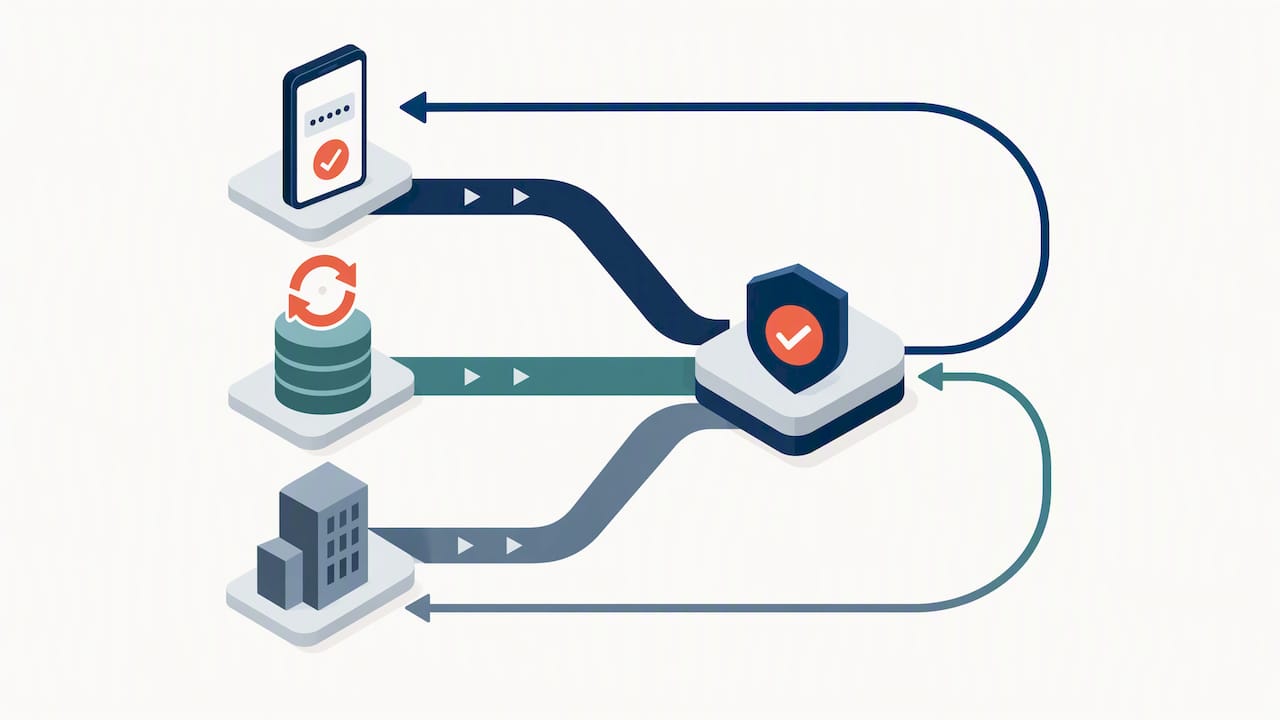
The fix isn’t more software. It’s a named owner, a tested plan, and a habit of treating near misses as rehearsals instead of close calls to forget.
Pro Tip: Run your incident response plan after any suspicious event, not just a confirmed breach. Near misses are the cheapest training you’ll ever get.
— Jim O’Connell
How Axio Networks can support your checklist
Running this checklist alongside day-to-day operations is hard without a dedicated team, which is why many small businesses hand the heavy lifting to a managed partner. We build security into every service we deliver rather than treating it as an add-on, and our team responds quickly because we’re the ones who answer the call, not a ticket queue.
Our services map directly onto the checklist above:
- Managed IT Services for ongoing patch management, asset inventory, and least-privilege access controls.
- Endpoint Security & EDR for device-level detection and response.
- SOC Monitoring & MDR for centralized logging and around-the-clock alerting.
- Backup & Disaster Recovery for versioned, tested backups with documented restores.
- Security Awareness Training to get staff recognizing phishing before it reaches an inbox.
We use straightforward pricing so there are no surprise invoices after an incident. If you want a team to run this checklist for you, start with our Cybersecurity Services page and see what fits.
FAQ
What are the 5 C’s of cyber security?
Definitions vary across sources, but a common version covers change, compliance, cost, continuity, and coverage, reflecting the business factors a security program has to balance. Small businesses apply it by weighing security investment against operational risk rather than chasing every available control.
What are the 5 D’s of cyber security?
This is typically framed as deter, detect, deny, delay, and defend, a layered-defense concept borrowed from physical security and applied to networks. In practice it means combining controls like MFA and patching with monitoring, so an attacker who gets past one layer still runs into another.
What are the 5 P’s of cyber security?
There’s no single standardized version, but it’s commonly used to mean policies, processes, people, products, and proof, emphasizing that written rules and trained staff matter as much as the tools you buy. A security program built only on products, with no policy or trained people behind it, tends to fail at the first phishing attempt.
How often should a small business test its backups?
Backups should be tested at least quarterly with a full restore, not just a partial file check, since a backup that has never been restored offers no real guarantee. CISA’s guidance treats scheduled restore testing as a core control, not an optional extra.
Is multifactor authentication enough to stop most attacks?
Enforced multifactor authentication, especially phishing-resistant MFA using FIDO standards, closes off one of the most common entry points attackers use. It isn’t a complete defense on its own, which is why it pairs with patching, backups, and staff training in a layered checklist.
Sources
Recommended
- A Simple Guide to the Updated NIST 2.0 Cybersecurity Framework
- The Daily Cloud Checkup: A Simple 15-Minute Routine to Prevent Misconfiguration and Data Leaks
- Securing Your Supply Chain: Practical Cybersecurity Steps for Small Businesses
- Remote Work Security Revisited: Advanced Strategies for Protecting Your Business in 2025